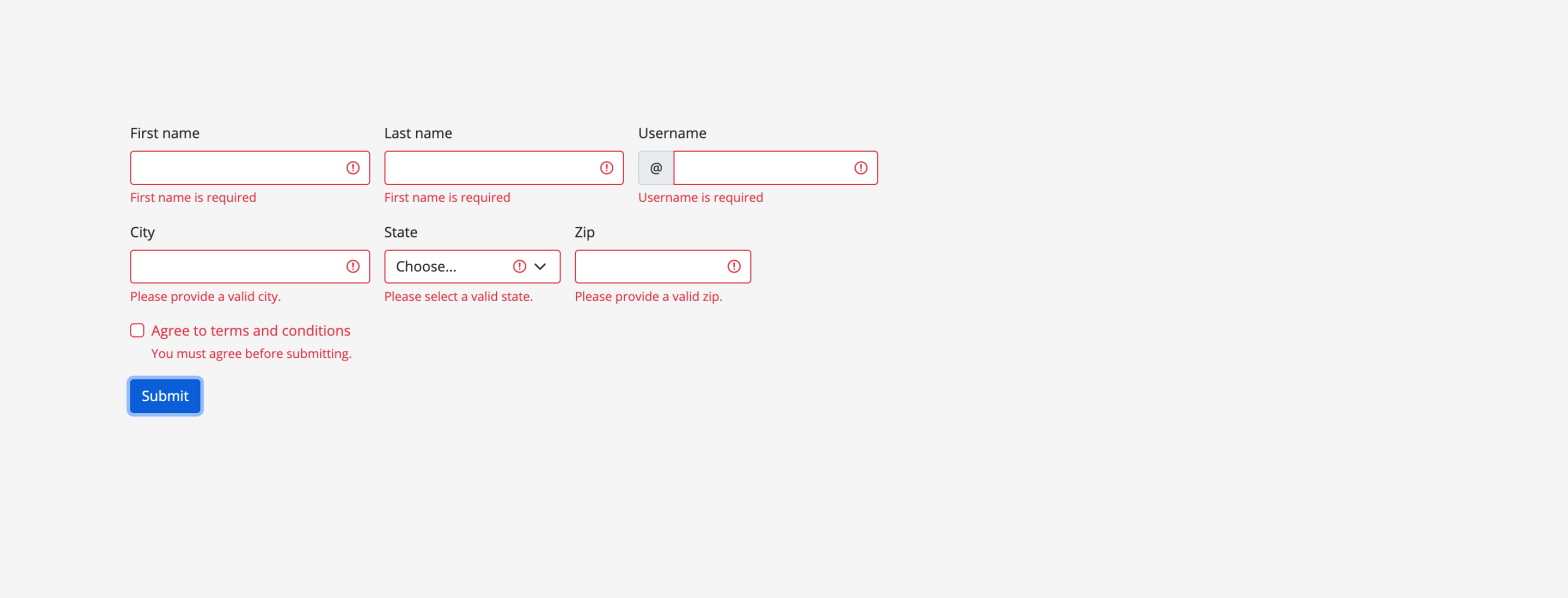
In any Angular application working with validators is a trivial part of the development process. You might need to write a validator function for a form control which can vary from simple validation, like, check if username is valid or not, to more complex validations, like, check if entered ip address is of ipv4 or ipv6!!.
In this blog post I will show you how to get started by writing one simple userName validator function and assign this validator function to your form control in the form group and yes we will use reactive forms.
First let’s create the validator function.
import { AbstractControl } from '@angular/forms';

export function validateName(fieldName = 'name', displayName = 'Name') {
    return (control: AbstractControl) => {
        const value = control.value;
        if (value == null) {
            return null;
        }
        if (value.length < 1) {
            return { [fieldName]: `${displayName} is required` };
        }
        if (!isValidName(value)) {
            return { [fieldName]: `You must enter a valid ${displayName}` };
        }
        return null;
    };
}

export function isValidName(value: string) {
    const pattern = /^[a-zA-Z\d_.]*$/;
    return pattern.exec(value) !== null;
}
Above validator function validates if the entered value is valid or not by using a RegExp to test the entered value. We allow only string values and also allow only two special chars, i.e, _ (underscore) and . (dot). And also, as you can see above validator function returns the error messages that we want to display on the template below the userName form control. Isn’t this nice?.
Now let’s create the form control and assign above validator function.
this.form = this._fb.group({
     userName: ['', validateName('userName', 'Username')]
});
If you look at above code closely, you can see we are using the form builder service to generate the form control.
Lastly lets look at our form and form control in the template.
<form
    class="row g-3"
    novalidate
    [formGroup]="form"
    [class.was-validated]="isFormSubmitted"
    (ngSubmit)="onFormSubmit($event)"
>
    <div class="col-md-4">
        <label for="userName" class="form-label">First name</label>
        <input
            type="text"
            class="form-control"
            id="userName"
            formControlName="userName"
            required
            [ngClass]="{
                'is-invalid':
                    isFormSubmitted && form.controls['userName'].errors
            }"
        />
        <div
            class="invalid-feedback"
            *ngIf="form.controls['userName'].hasError('userName')"
        >
            {{ form.controls['userName'].errors?.userName }}
        </div>
    </div>
</form>
I think this is it. We have created a simple userName validator.
Checkout the Github repo for more code samples.
 Kumar Gandhi Koppolu