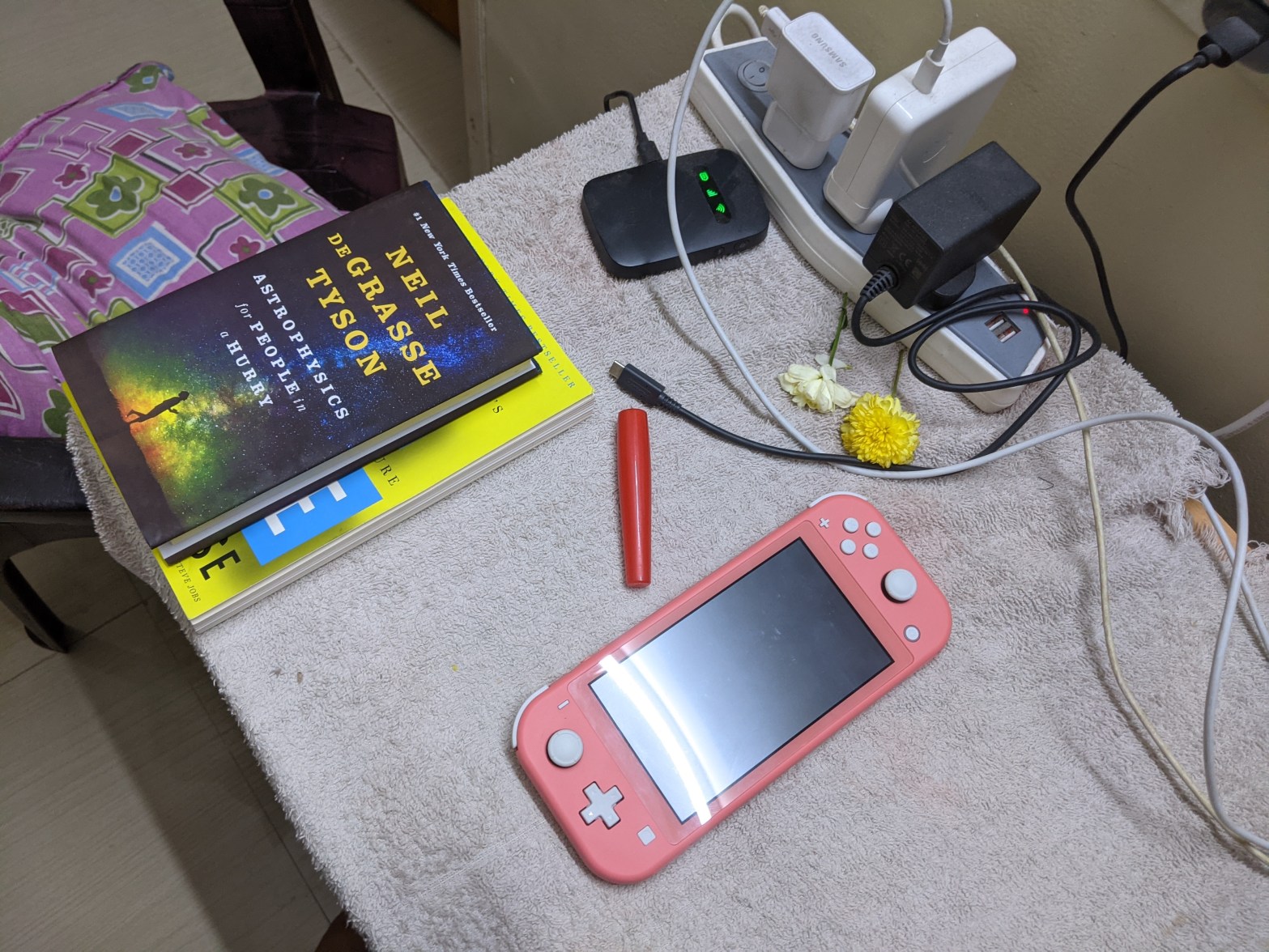
I bought a Nintendo Switch lite few months back and I went through few hassles to setup my account on Nintendo and purchase games online. In this post I am going to explain how you can setup your account outside the allowed country / timezone by Nintendo and purchase games online.
When creating the account at Nintendo I noticed that my country India was not available to be selected in the dropdown list of countries. And I also noticed that while purchasing games online my credit card was not working (accepted) because my credit card is registered in India. So I had to fix these two issues so my Nintendo account is created and then I am able to purchase games online without the messy way of purchasing the game cards!!.
Fixing problem no. 1
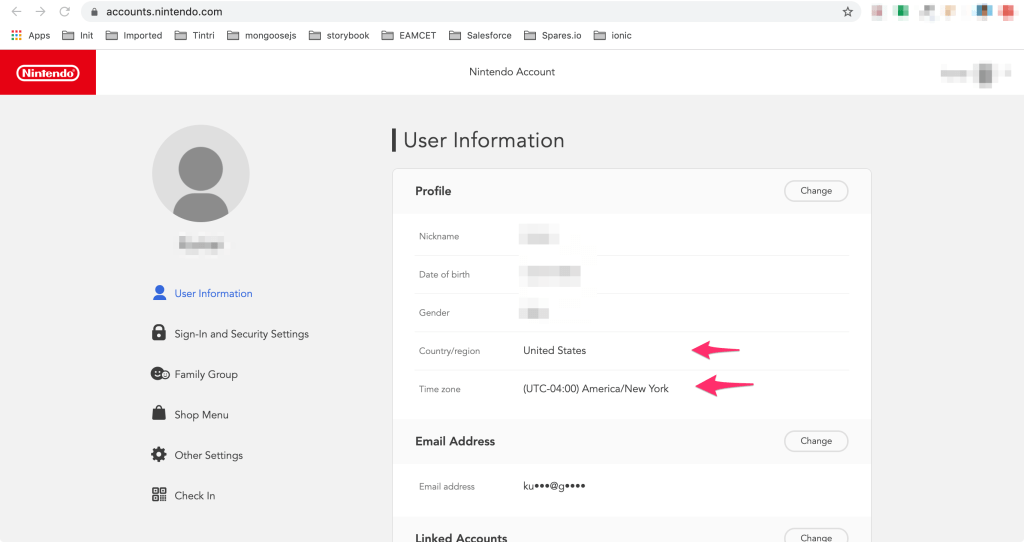
When creating your account you simply choose different country and the timezone of that country. I chose US as my country and America/New York as my timezone. Also you might need to select or enter the zip code of your selected region, I choose one location in US and its zip code. You can find zip codes online.
Fixing problem no.2
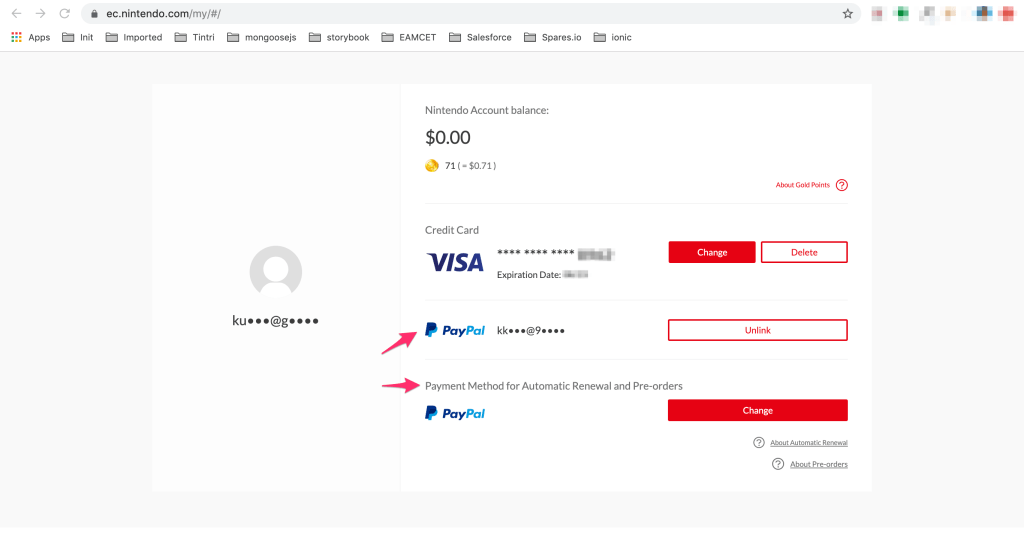
After creating the Nintendo account goto account settings (select user on top-right corner and click Settings button), here you will see Shop Menu (see above) on left menu list panel. Click that button.
Now you are in Show Menu page. And here you will see options to add payment methods, you can add credit card or paypal account as a payment method and while purchasing the games the added account will be charged.
Credit card payment option did not work for me. So what I did is, I created a paypal account and in my paypal account added / linked my credit card. Now in Nintendo Shop Menu page I have added paypal as my payment method, it worked, I purchased lot of games online from Nintendo without any issues.
Nintendo is going to fetch the payment from your paypal account and the paypal account in turn bills your credit card. That is how it works.
Hope this post helps someone!.
 Kumar Gandhi Koppolu