First off I am going to assume three things…
- You know how to create an Elastic Beanstalk aws service instance with Node.js as the platform.
- You know how to create a key file (.pem) on aws console.
- You know how to login (ssh) to the instance using the key file.
Now the question, why would you need to install npm packages after the setup or after creating the instance. During the setup when you select the option to upload the source code (.zip) you are providing the package.json (npm packages are defined here) file from which all the packages are installed and available in node_modules. But what if some package is required to be installed at global level.
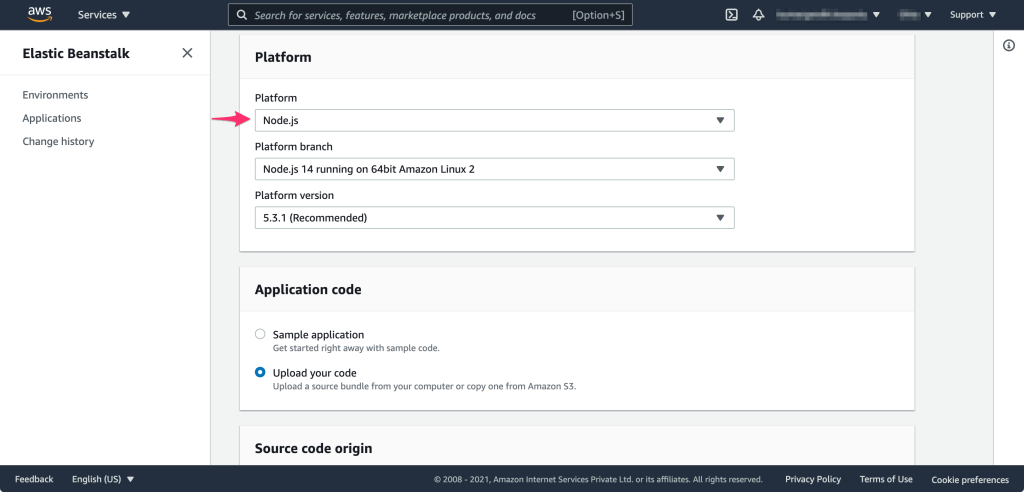
Below are the steps I used to install a package called html-pdf globally to the instance.
- Login to the instance.
- $ssh -i pem/awsinstancekeypairname2.pem ec2-user@INSTANCE_NAME.com
- Switch to root user.
- $sudo su
- Set path to node location
- $export PATH=$PATH:/opt/elasticbeanstalk/node-install/node-v10.17.0-linux-x64/bin/
- Note: Above node version and path of the node on you elastic beanstalk instance might be different.
- Install html-pdf package globally.
- $npm install -g html-pdf
- Now link the installed package.
- $npm link html-pdf
- Restart the app server / instance and you are done.
 Kumar Gandhi Koppolu